Frequently asked questions
How-To’s
The year in which you purchased your analyzer will indicate if you can perform the annual service yourself or if you are required to send in your analyzer for its annual service. Only analyzers purchased after September 6, 2022, can be self-serviced. To perform the annual service yourself, follow the desiccant and oxygen sensor replacement instructions provided in the product manual.
No. Internet access is only required if you want to use the VO2 Master Cloud for viewing and storing session data and to view assessments remotely in real-time.
Users should use the medium user piece if their ventilation range is between 30-160 L/min. The large user piece is used in most cases by professional high-intensity athletes or users with a ventilation range 40-220 L/min
The maximum number of daily session is 8. The VO2 Master Analyzer is required to have 30 minutes of downtime between sessions and each session must be no longer than 1 hour in duration.
Proper cleaning procedures are provided in the VO2 Master Product Manual.
Reports
Yes. To view your report as a data table, you select the format in which you would like your report to be presented after selecting a session and then by tapping ‘View Reports” in the session tab.
No, assessment reports are provided instantly at your request and are available for download FREE of charge.
You should choose whichever gender closely matches your physiology in terms of hormone levels. The only data affected by gender is the “VO2max vs population” and “RMR vs population” percentile bars in the PDF reports. There will be no changes in the data for primary measurements like RMR, VO2max, Training Zones, or VT based on your selected gender.
Replacement Parts & Sensors
The number of wireless sensors you can connect to the VO2 Master mobile app is restricted by the sensor manufacturer and the Bluetooth capabilities of your mobile device.
Using our ‘Contact’ page, complete the form and select ‘Replacement Parts’ under the ‘Type of request’ drop down menu.
CO₂ Version
Our primary focus is the development of our CO₂ version. Like many of our followers, we are excited about this development, however, we cannot provide a release date at this time. Sign up to our newsletter to be notified when the CO₂ version is available.
Our newsletter subscribers will be one of the first to be notified of the release of the CO₂ version. Other ways to learn about the release of the CO₂ version is to like and follow us on our social media platforms: Instagram, Facebook, Twitter, Linkedin, and YouTube.
Additional Costs & Financing
Yes, we have launched with Affirm to bring flexible payment options during checkout!
Affirm is available for online orders at www.vo2master.com for Canadian and United States residents only.
No. We provide the VO2 Master Manager app and the VO2 Master Cloud access FREE. Does it get any better? Yes! We also provide the VO2 Master Garmin data field FREE to users who want to bring their VO2 Master portability to a whole new level.
Yes, but they’re minimal. You’ll need to purchase additional consumables—like Filter Discs, Desiccant Cartridges, and AA batteries—based on how often you use the device.
An annual service is also required to keep your analyzer performing its best. As required, this can be done easily on-site by purchasing the Annual Service Kit, with no need to send your device away.
Note: VO2 Master Analyzers purchased prior to 2026-04-05 required AAA batteries instead of AA.
No, assessment reports are provided instantly at your request and are available for download FREE of charge.
With trade conditions evolving, we’re keeping things simple and transparent. It’s a great time to take advantage of our straightforward pricing. No hidden fees, no tariffs — just high-performance technology delivered directly to you, so you can focus on quality results.
Troubleshooting
There are 4 reasons why you cannot complete the syringe calibration:
You may be pumping the syringe too fast, try to follow the audio and visual calibration metronome in the mobile app.
- The analyzer has not completed the start-up zero calibration procedure.
- The humidity sensor is reading values above 70%. If the oxygen sensor was damaged by water the sensor may read values even higher than ambient humidity, we recommend that the desiccant cartridge be replaced, and the analyzer be placed in a zip lock bag with silica gel packs for 48hrs, please contact support if the issue continues after the 48hr period.
- The volume provided to the analyzer is reading more than 15% off the expected value, due to a leak in the syringe hose and the analyzer will reject the breaths it receives.
- You may be pumping the syringe too fast, try to follow the audio and visual calibration metronome in the mobile app.
Try replacing the battery with a known fully charged battery. If the issue persists, use our Contact page, and complete the form with ‘Technical Support’ selected under the ‘Type of request’ drop down menu.
In some cases, the analyzer may not always capture the necessary data required to support automatic ventilatory threshold identification. While every effort has been made to ensure the accuracy of the analyzer’s results, there may be situations where the data available to the analyzer is insufficient to identify the ventilatory thresholds correctly. Visit our ventilatory thresholds blog page to view everything you need to know about VTs.
Here are some solutions to assist you in connecting your Garmin watch to your VO2 Master Analyzer.
- Ensure that your Garmin device is compatible with the VO2 Master Analyzer, please refer to the list of compatible Garmin devices available at https://apps.garmin.com/en-US/apps/06c6df5d-2894-4076-9004-bf0e76bb01fb Please note that the list of compatible devices may be updated from time to time, so it is recommended that you check the list regularly.
- Ensure that you have installed the VO2 Master Data Field from the Garmin Connect IQ store.
- After calibrating your VO2 Master Analyzer, when attempting to connect your Garmin to your VO2 Master Analyzer, ensure that your Garmin is held in close proximity to your analyzer during the connection process to ensure a successful connection.
If the issue persists, use our Contact page, and complete the form with ‘Technical Support’ selected under the ‘Type of request’ drop down menu.
Shipping
VO2 Master ships worldwide. However, some regions face logistical barriers or import restrictions, and we currently do not ship to:
- Mexico
- North Korea
- Pakistan
- Russia
This list may change as our distribution network expands. For questions about shipping to your region, please visit our Official Distribution Centers page or contact us directly.
The VO2 Master Analyzer kit will be shipped in 2 packages.
VO2 Master will ship all packages via UPS.
Don’t see your question answered?
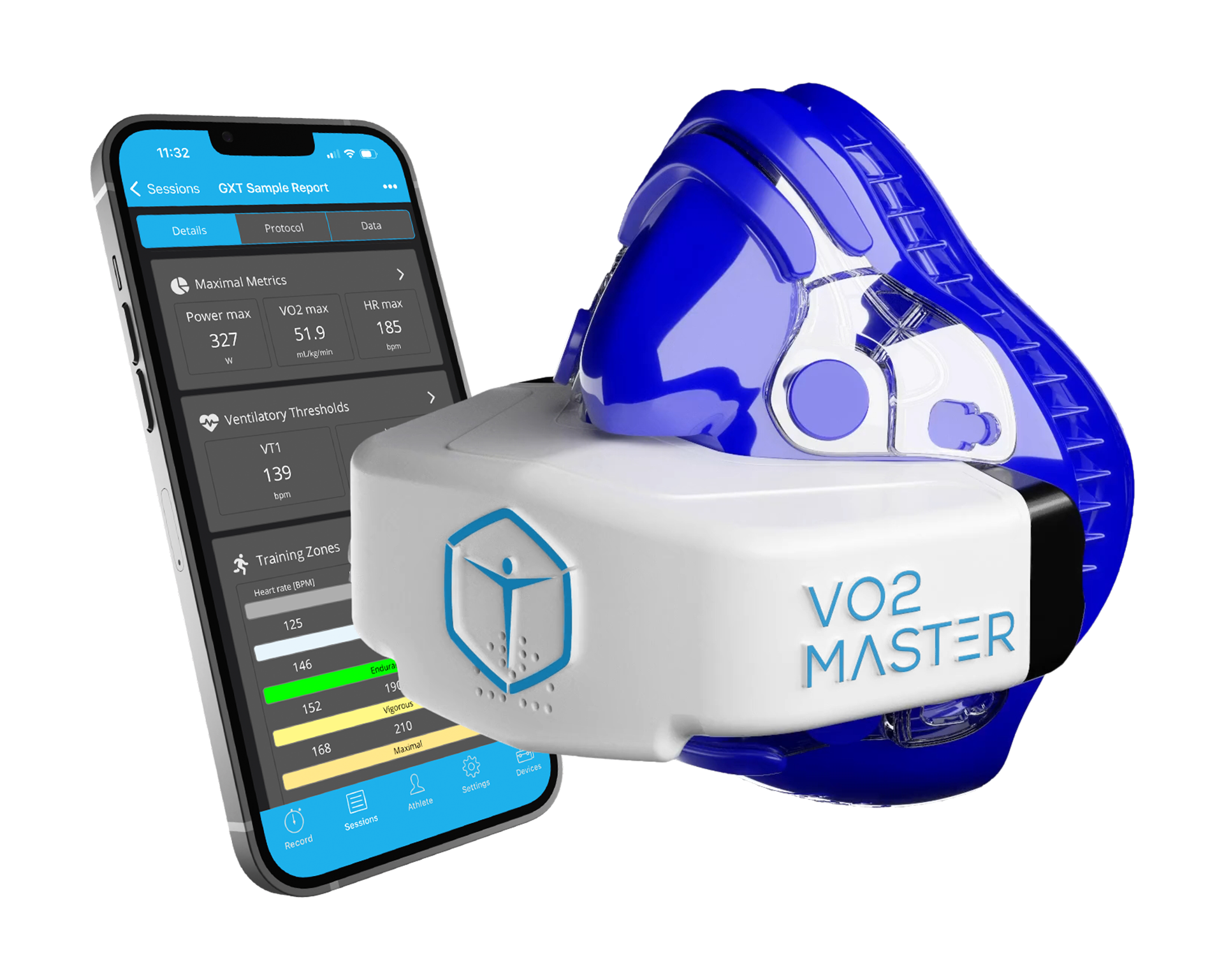
VO2 Master Analyzer
Measure what matters to your clients
Get the next level of performance and metabolic assessment in the world’s most portable, user-friendly, and affordable analyzer.
1. In some cases, the data required may not always be captured to support automatic ventilatory threshold identification. While every effort has been made to ensure the accuracy of the analyzer’s results, there may be situations where the data available to the analyzer is insufficient to identify the ventilatory thresholds correctly.
2. The VO2 Master Analyzer is designed to be used with compatible Garmin devices only. While every effort has been made to ensure that the VO2 Master Analyzer is compatible with a wide range of Garmin devices, it is important to note that not all Garmin devices may be compatible. To ensure that your Garmin device is compatible with the VO2 Master Analyzer, please refer to the list of compatible Garmin devices. Please note that the list of compatible devices may be updated from time to time, so it is recommended that you check the list regularly.
3. We offer a satisfaction guarantee on the VO2 Master Analyzer, subject to the terms and conditions outlined in the full description of the guarantee.
4. Please be advised that the VO2 Master Analyzer is sold subject to the terms and conditions of our warranty policy.
5. While our product may be used in many different locations and environments, it is important to use the product only in accordance with the Technical Specifications provided in the VO2 Master Product Manual. Using the product outside of its specified limitations or specifications may result in decreased functionality or may cause damage to the analyzer.
6. The VO2 Master Manager mobile app is capable of being used with additional compatible Bluetooth sensors. While every effort has been made to ensure that the VO2 Master Manager mobile app is compatible with a wide range of sensors and smart trainers, it is important to note that not all Bluetooth devices may be compatible. To ensure that your Bluetooth sensor is compatible with VO2 Master Manager, please refer to the compatible devices listed in the Compatible Sensors provided in the VO2 Master Product Manual. Please note that the list of compatible sensors may be updated from time to time, so it is recommended that you check the list regularly.
Product is not a medical device; it is not intended to diagnose, treat, cure, or prevent any disease. Consult your physician before starting any dietary or fitness programs.
Rates from 0–36% APR. Payment options through Affirm are subject to an eligibility check and are provided by these lending partners: affirm.com/lenders. Options depend on your purchase amount, and a down payment may be required. CA residents: Loans by Affirm Loan Services, LLC are made or arranged pursuant to a California Financing Law license. For licenses and disclosures, see affirm.com/licenses. For example, a $800 purchase could be split into 12 monthly payments of $72.21 at 15% APR. For more information, please visit www.affirm.com/disclosures.